MCP
Secure 15Five data
inside the AI tools your team already uses.
Give your team the AI workflows they want, on data you can stand behind.
Most reviews run on memory.
Great ones run on evidence.
Reviews built the traditional way often run into problems.
Recency bias
Deadline cram
Generic feedback
Filed and forgotten
Built on real performance data.
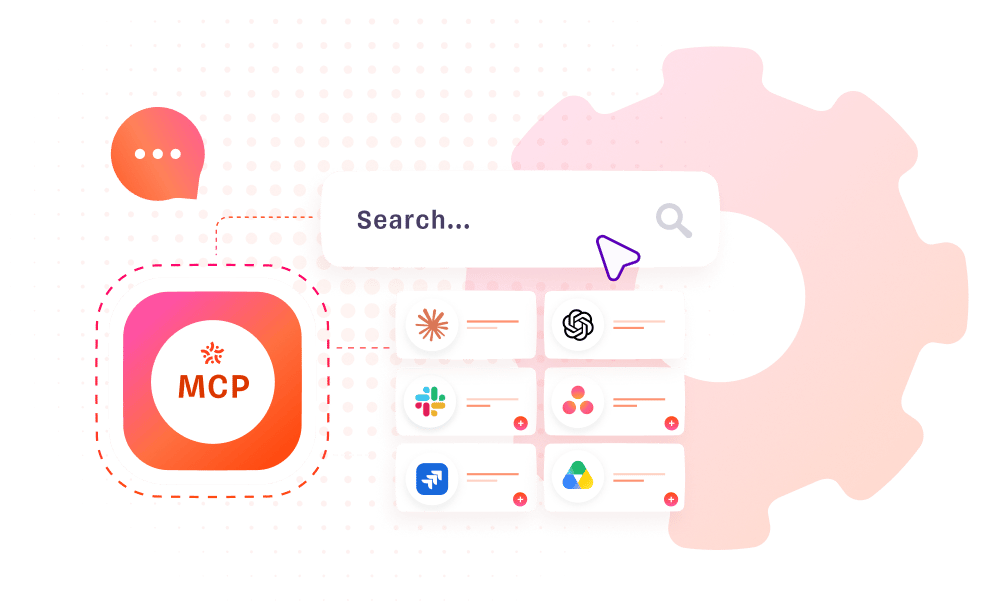
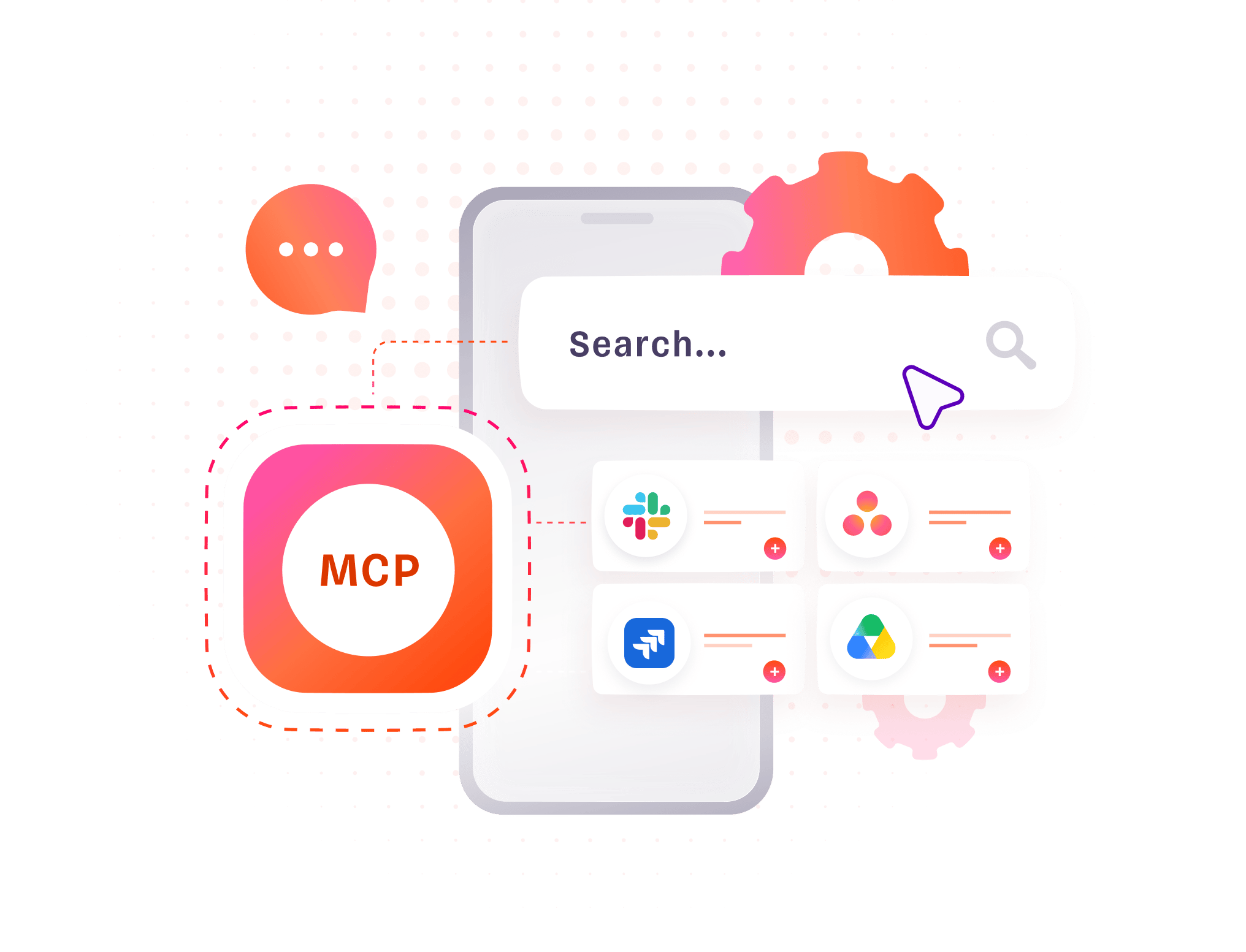
15Five MCP is a secure connection between 15Five and the AI your team works with every day. Ask questions, build agents, and run workflows on real performance data, scoped to exactly what each person can already see.

What is MCP?
MCP stands for Model Context Protocol. It's an open industry standard that lets an AI tool connect to a system and understand the data inside it, so your team's AI can work with your 15Five record the same way it works with the other tools they've connected.

Secure permissions
Each person connects with their own 15Five login, so they see exactly what they already have access to and nothing more. Every answer points back to the 15Five record behind it, so your team can check the source and the reasoning on anything the AI produces. Updates stay off until an admin turns them on. Any change is made as that person, and only where they could already make it in 15Five. 15Five MCP keeps that same work within the existing permissions.

Reduce shadow AI usage
When people use 15Five data in AI tools by copying and pasting it out of the app, that data is no longer under your control. MCP replaces that with a connection that inherits each user's permissions, so access follows the rules you already set in 15Five.
How It Works
1. Turn on MCP
Enable 15Five MCP for your organization from the admin settings.
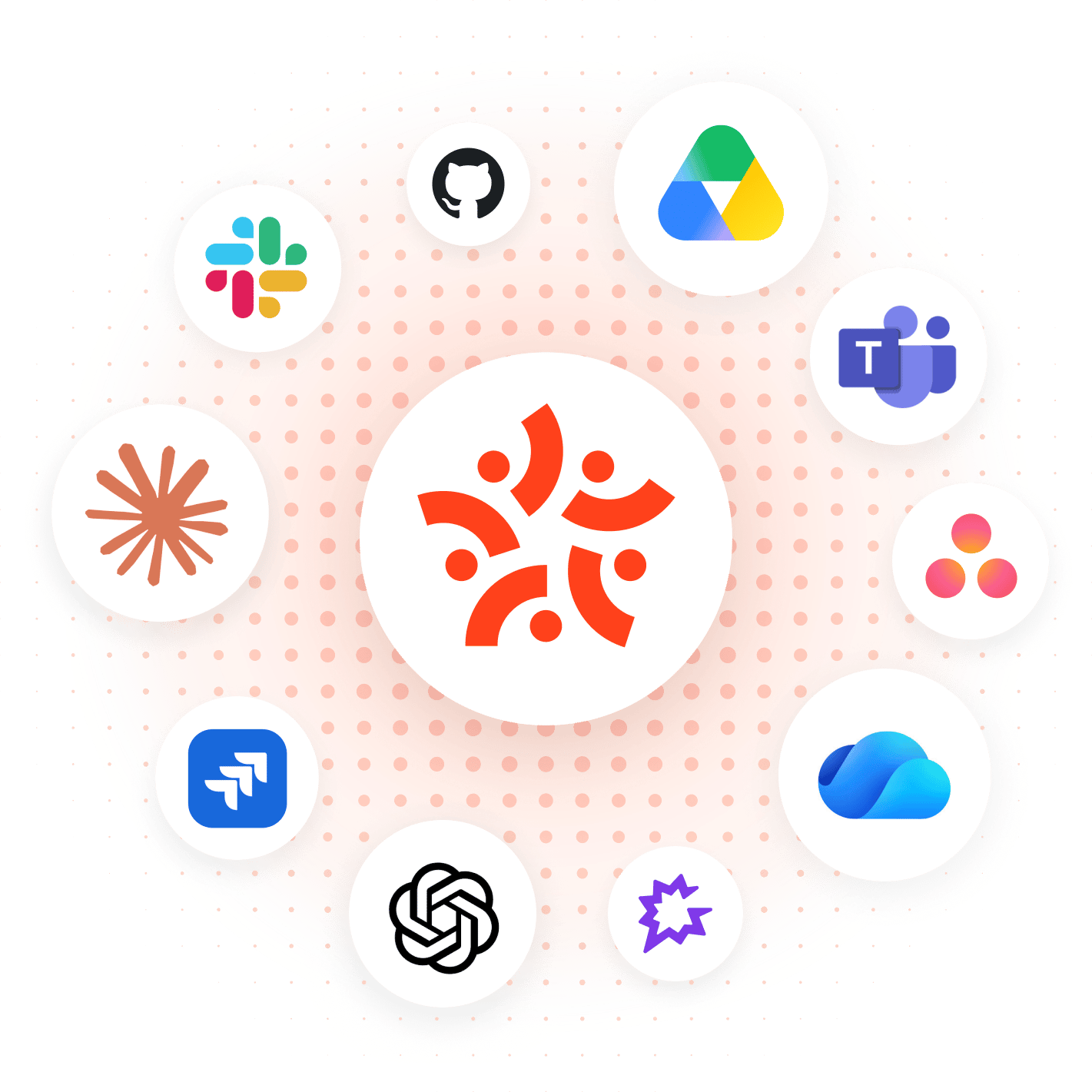
2. Connect your AI tools
Sign in with your own 15Five login over a secure connection, so access stays scoped to what you can already see.
3. Put it to work
Ask questions or run workflows on real 15Five data, with every answer linked back to the record behind it.
AI SECURITY & INTEGRATIONS
Security you can trust
15Five agents and AI tools are secure and private by design. Agents surface only the information your current permission settings allow.

Same Permissions. Same Protection.